HELP REQUEST
You can request for help during emergency situations through the Driver App while on route.
Let's look at what's included in this section of the Driver App:
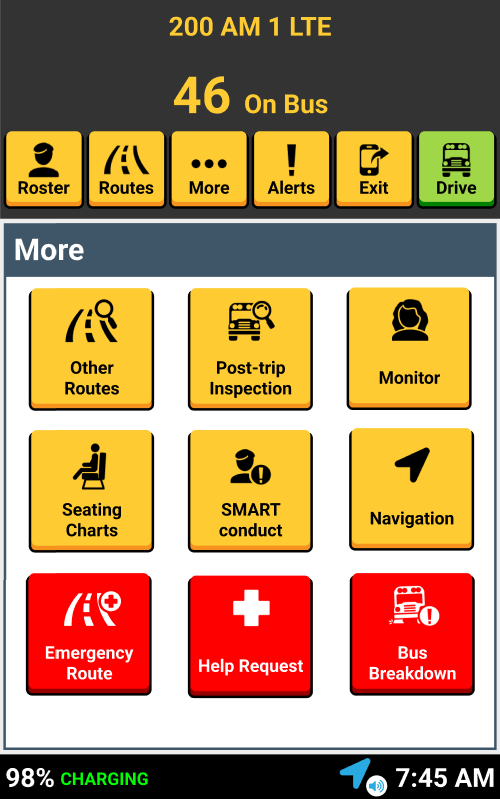
The red "Help Request" button within the "More" screen allows you to request for immediate emergency assistance.
NAVIGATE TO THE MORE BUTTON
HELP REQUEST

The red "Help Request" button is a method of communicating emergency situations.

All you have to do is tap on the applicable emergency. This sends an email to a pre-determined distribution list.
SELECT REQUEST TYPE
Tapping Police, Fire, etc. will NOT directly call or notify these agencies. It will only send a message to district personnel.

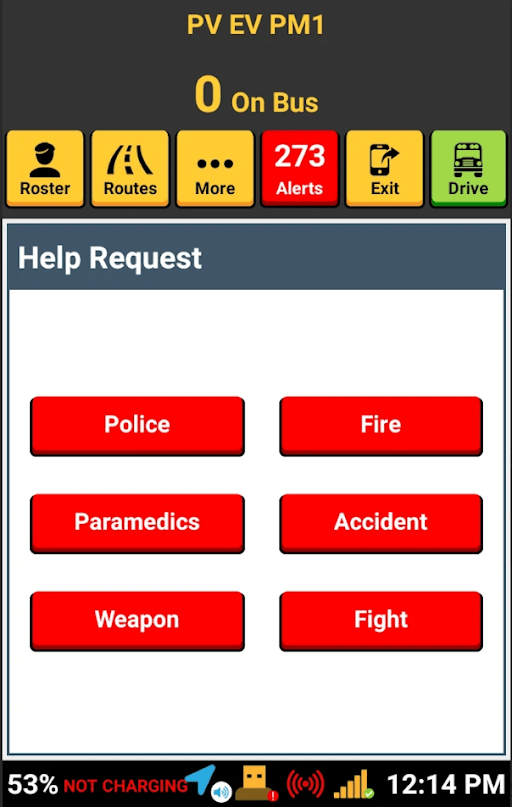

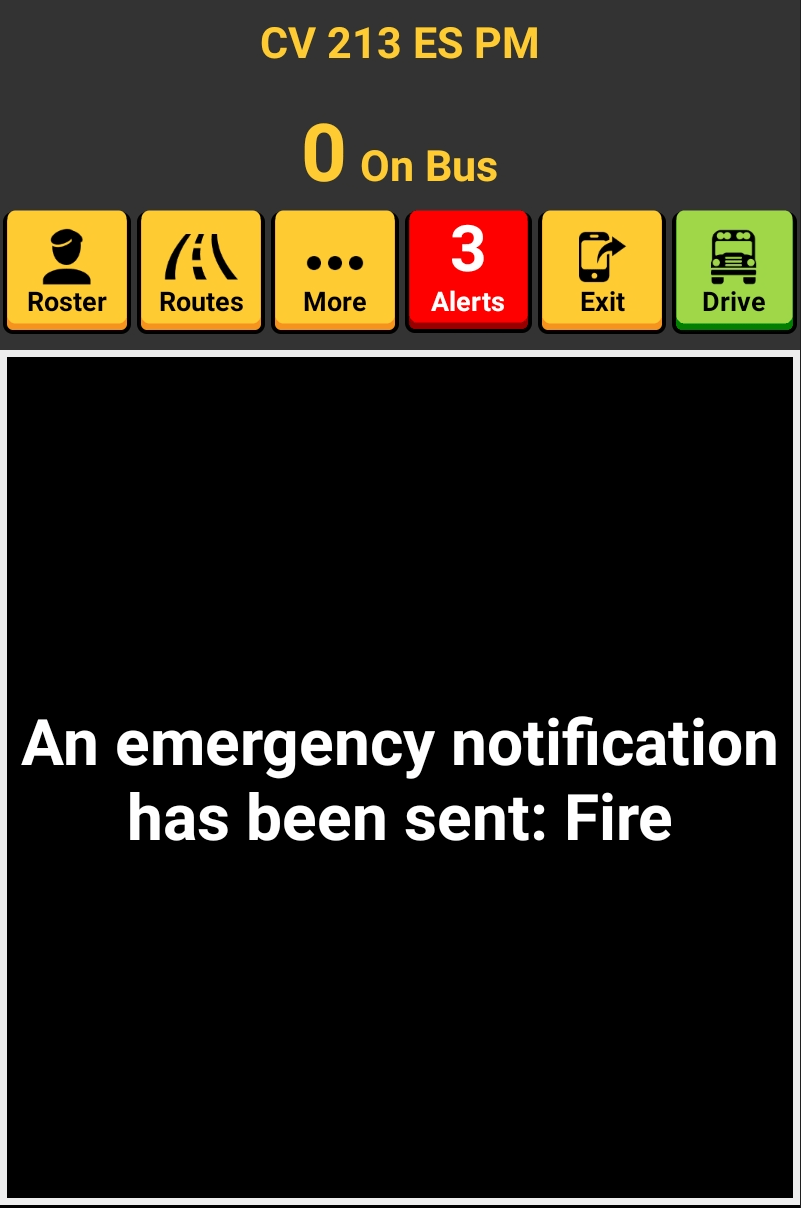
After tapping a request type, an email is automatically sent, and the screen displays a request confirmation.
Emergency distribution lists are managed in the Admin Portal's District Settings.
CONFIRMATION

That's it!
Head back to the tutorials page to learn more about the Driver App.
4.7 Help Request - During your routes
By SMART tag™